Wireless Device Battery Monitor
Wireless Device Battery Monitor is a free, open-source GPL-3.0 C++ and Win32 utility (~350 KB binary, ~2 MB RAM) that displays live battery percentages for 45+ wireless mice, headsets, keyboards, controllers, and earbuds right on the Windows 10 and Windows 11 taskbar without vendor bloatware or administrator rights.
Maintained by krisgfx9 at krisgfx9/Wireless-Device-Battery-Monitor (latest release v1.0.8), this native wireless device battery monitor queries Logitech, Razer, SteelSeries, Corsair, HyperX, Pulsar, WLMouse, Keychron, DualSense, Xbox, AirPods, and Galaxy Buds hardware directly.
Live Shell_TrayWnd Widget Preview · Click controls to test display modes
Brand colors active: 15 maker shades (Logitech blue, Razer green, HyperX red, PlayStation blue) from src/brands.cpp.
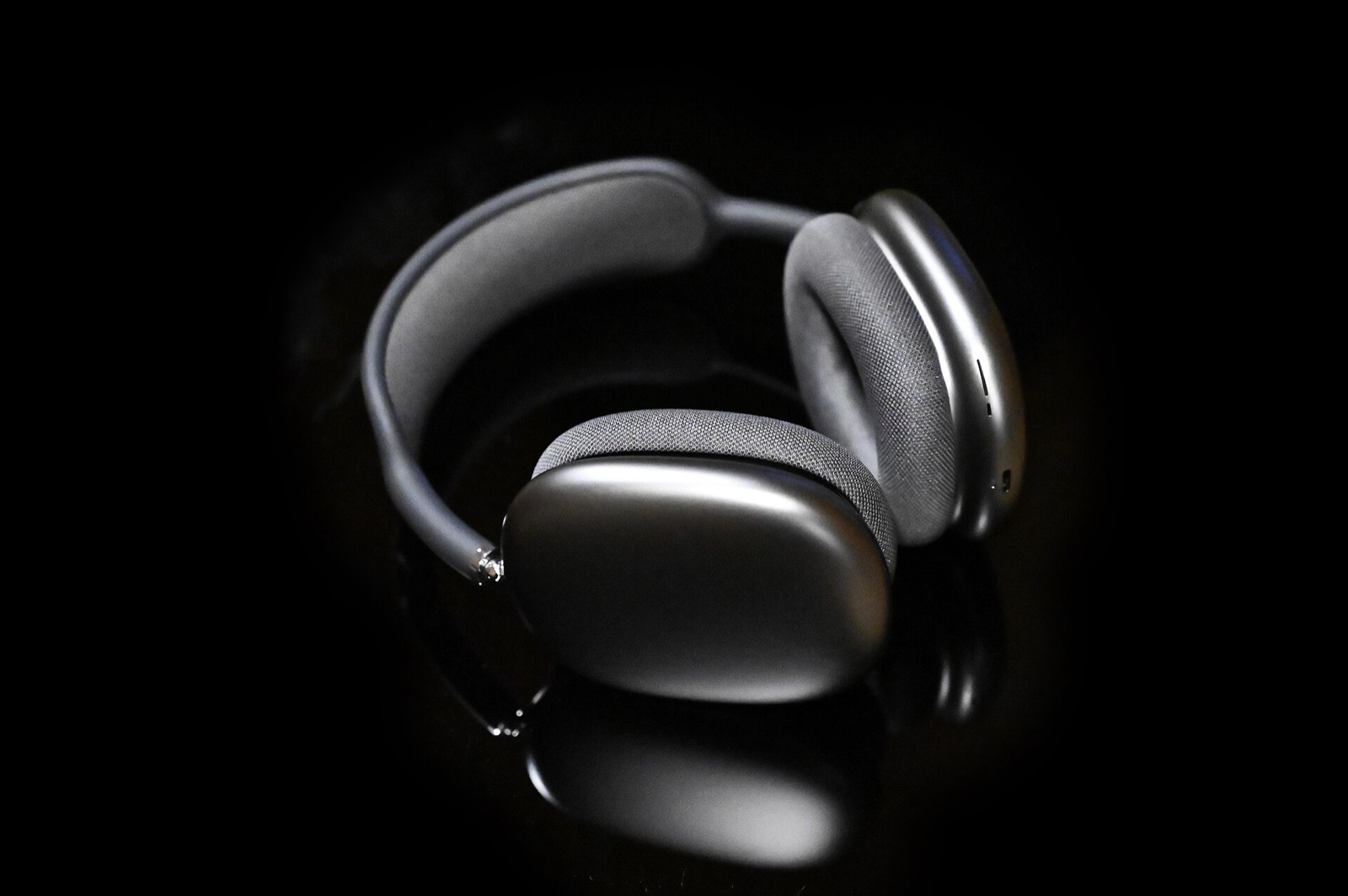
Native Win32 Footprint
Measured engineering specs from the open-source C++ wireless device battery monitor binary and bundled HeadsetControl 4.3.0 engine.
~350 KB plain C++/Win32 executable · 0 background services · 0 admin prompts
Instead of loading 500 to 1,200 MB of Chromium helpers across G HUB, Synapse, and iCUE, one wireless device battery monitor process renders every peripheral inside Shell_TrayWnd.
Key Telemetry Thresholds
| Parameter | Value | Taskbar Behavior |
|---|---|---|
| Supported Ecosystem | 45+ brands | 2.4 GHz dongles, USB cables, Bluetooth LE, and Phone Link |
| Polling Interval | 60 seconds | Plus instant refresh on USB hot-plug or PC wake |
| Low-Battery Alert | 15% or below | Taskbar digits turn red (plus tray notification on vertical bars) |
| Brand Palettes | 15 makers | Light and dark taskbar shades with thin battery bar |
Peripheral & Dongle Checker
Search 45+ brands, receiver hex IDs, read-only HID protocols, charging flags, and firmware caveats for this wireless device battery monitor.
Showing 45 verified driver families and receiver groups from src/drivers/
| Brand & Models | Link & VID:PID | Protocol & Notes | Hardware |
|---|---|---|---|
| Logitech G PRO X Superlight / Superlight 2, PRO X3 SUPERSTRIKE, G502 X, MX Master 3S, Unifying / Bolt / Lightspeed mice & keyboards | 2.4GHz / USB / Bluetooth 046D:C54F (PRO X3), Unifying, Bolt, Lightspeed, Nano | HID++ 1.0 / 2.0 feature discovery (unified battery, level, voltage, ADC) (Charging: Yes) Logitech receivers drop sleeping devices from the link; last reading stays visible (dimmed) for 30 minutes. | Check Gear |
| Logitech G Audio G435 Wireless (newer dongle), G PRO / PRO X Wireless, G733, G933 / G935, G633 / G635, G535, G533 | 2.4GHz 046D:0ADF (G435 newer dongle), Lightspeed Audio | HID++ 2.0 & CRC-16 framed vendor reports (G435 GET_BATTERY in mV) (Charging: Yes) Works without Logitech G HUB installed; bundled HeadsetControl covers legacy G-series audio dongles. | Check Gear |
| ASTRO A50 X, A50 Gen 5, A50 Gen 4, A50 Gen 3, A20 Wireless (via USB base station) | 2.4GHz / USB 046D:0B0B (A50 X), 046D:0B1C (Gen 5), 9886:002C (Gen 4), 9886:0014-0026 (Gen 3), 9886:0037-0045 (A20) | ASTRO USB base station battery, charging, and docked status queries (Charging: Yes (plus docked state)) Requires USB base station connection to Windows host. | Check Gear |
| Razer Mice & Keyboards Viper V3 Pro, DeathAdder V3 Pro, Basilisk V3 Pro, Naga V2 Pro, BlackWidow V4 Pro 75% & HyperSpeed dongles | 2.4GHz / USB 1532:* (Razer wireless mice, keyboards & HyperPolling dongles) | Razer feature-report protocol (read-only battery & charging) (Charging: Yes) Runs cleanly with Razer Synapse closed or uninstalled. | Check Gear |
| Razer Audio BlackShark V2 Pro (2020/2023), V2 HyperSpeed, BlackShark V3 / V3 Pro / V3 X, Barracuda X (2022), Barracuda Pro | 2.4GHz 1532:057D (BlackShark V3 X), 1532:0550 / 0552 (Barracuda X 2022), 1532:053A (Barracuda Pro) | BlackShark vendor protocols (V3 polled every 5 min); Airoha receiver queries (Charging: Yes) Razer Kraken wireless headsets and non-2022 Barracuda models are not yet documented. | Check Gear |
Disclosure: As an Amazon Associate we earn from qualifying purchases made through hardware links on this page at no extra cost to you.
Explore the printable matrix on 45+ supported wireless mouse and headset taskbar devices or troubleshoot battery levels not showing.
Battery Runtime Calculator
Model how 125 Hz to 8000 Hz polling, battery mAh, and RGB lighting shift active days and the 15% wireless device battery monitor warning buffer.
One-Click Peripheral Battery Presets
At 3.4 mA average discharge (240 mAh cell, 6 hrs/day), Wireless Battery turns its taskbar percentage red at 15% with roughly 9.7 active hours remaining before cutoff.
SHA-256 & Release Verifier
Sync latest v1.0.8 packages from GitHub Releases or hash any local wireless device battery monitor installer in-browser via WebCrypto.
Built-in v1.0.0-v1.0.8 ledger · v1.0.8 (2026-11-18)
0f644e5985c36a946e703e0cf4ec421e403bf423a879fcc06798933715f5e8a0Read our full source security review on Is Wireless Device Battery Monitor Safe?
How Native Polling Works
Every wireless device battery monitor refresh executes a four-stage read-only Win32 pipeline inside Shell_TrayWnd.
Match USB IDs
Modules in src/drivers/ claim documented USB VID:PID pairs while skipping drawing tablets and unknown interfaces.
Read-Only HID
Drivers send non-mutating battery reads such as Logitech HID++ 2.0, Corsair Bragi GET, or Razer feature reports.
OS Fallbacks
Unclaimed gear resolves via Windows Bluetooth battery properties, HID 0x06/0x85, XInput, and headsetcontrol -o json.
Taskbar Paint
A DPI-aware child window left of TrayNotifyWnd draws percentages, charging bolts, and automatic Explorer recovery.
Covered Hardware Categories
One wireless device battery monitor executable tracks 2.4 GHz esports receivers, wireless headsets, keyboards, and gamepads.
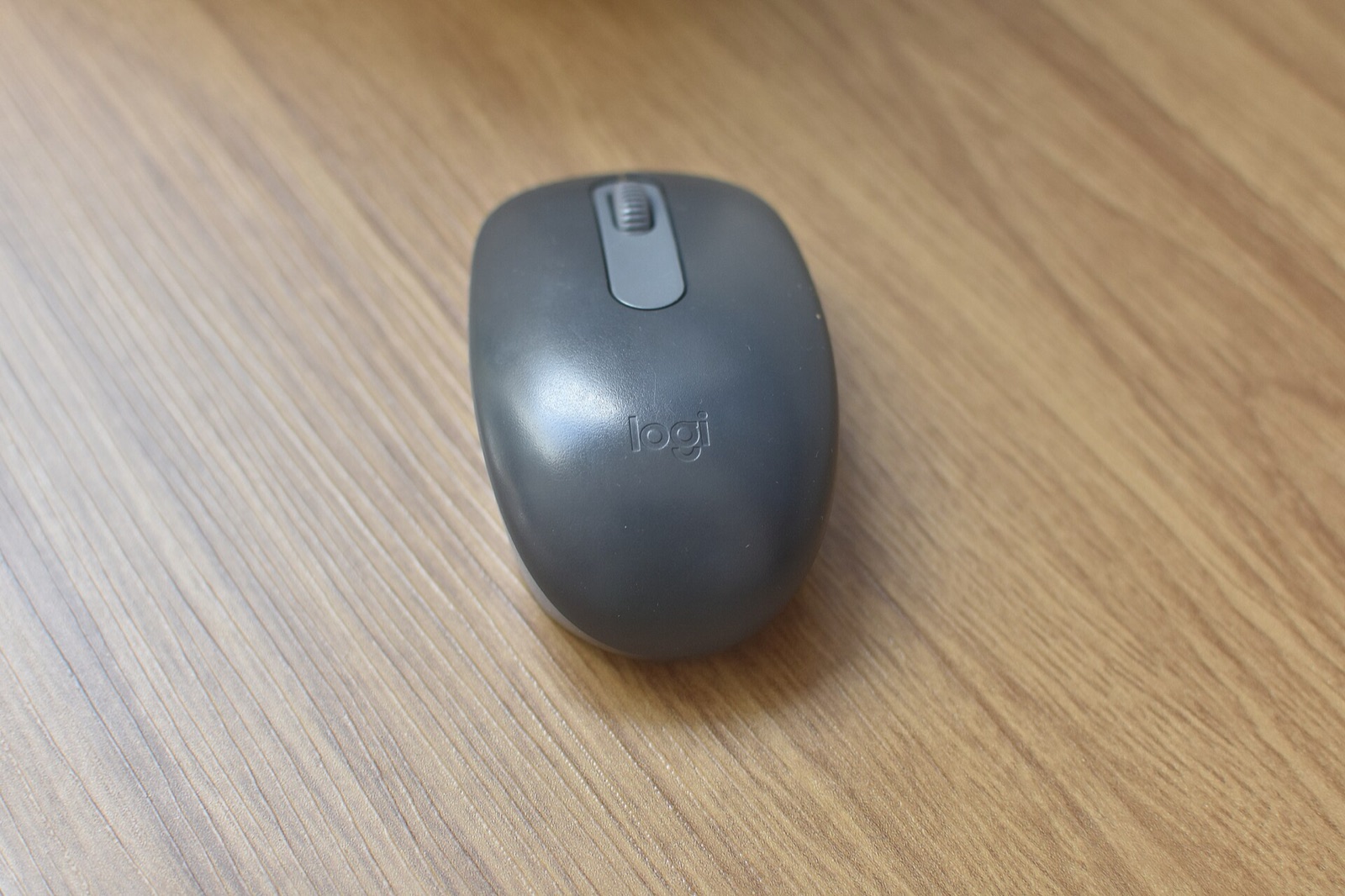
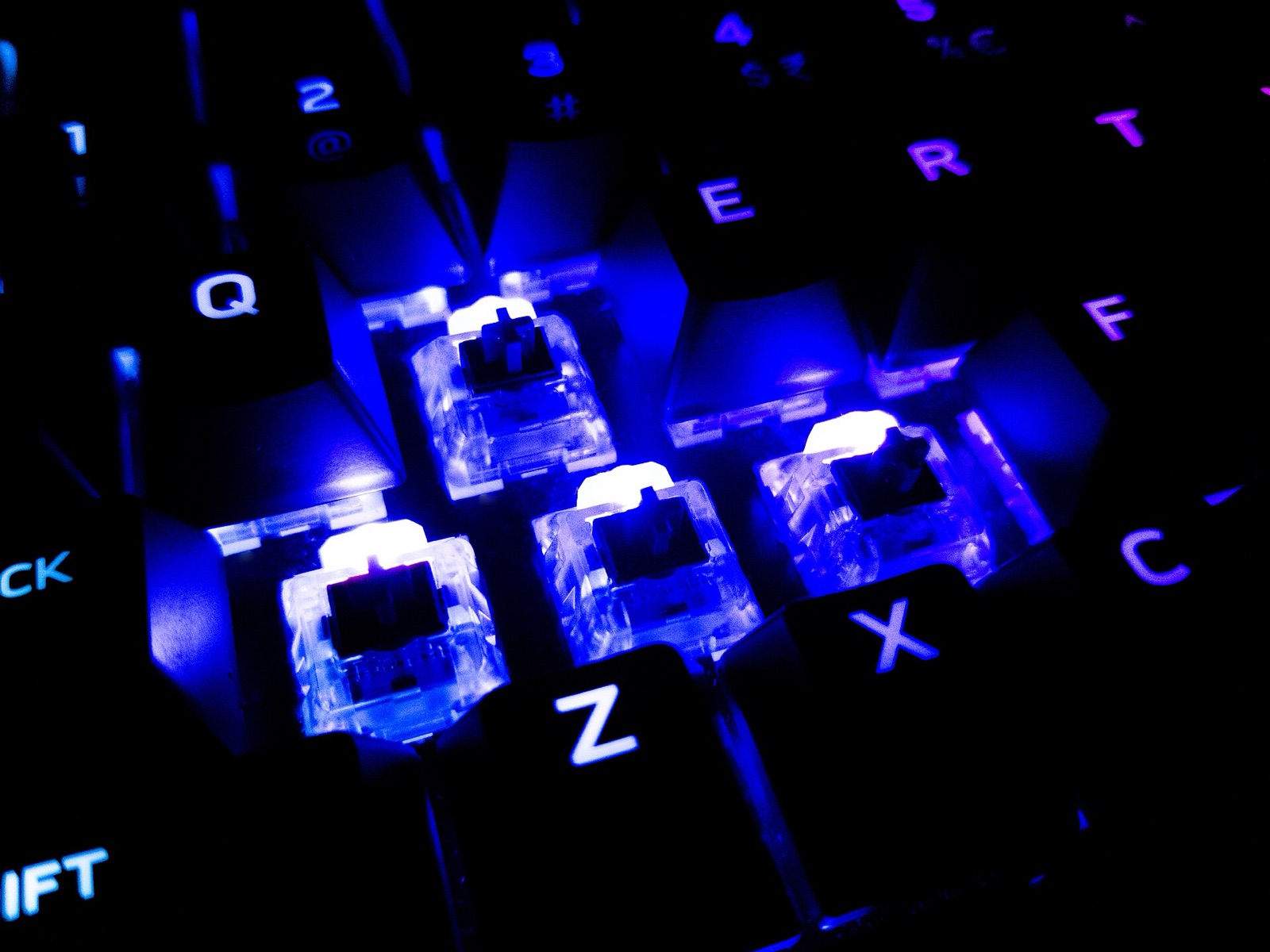
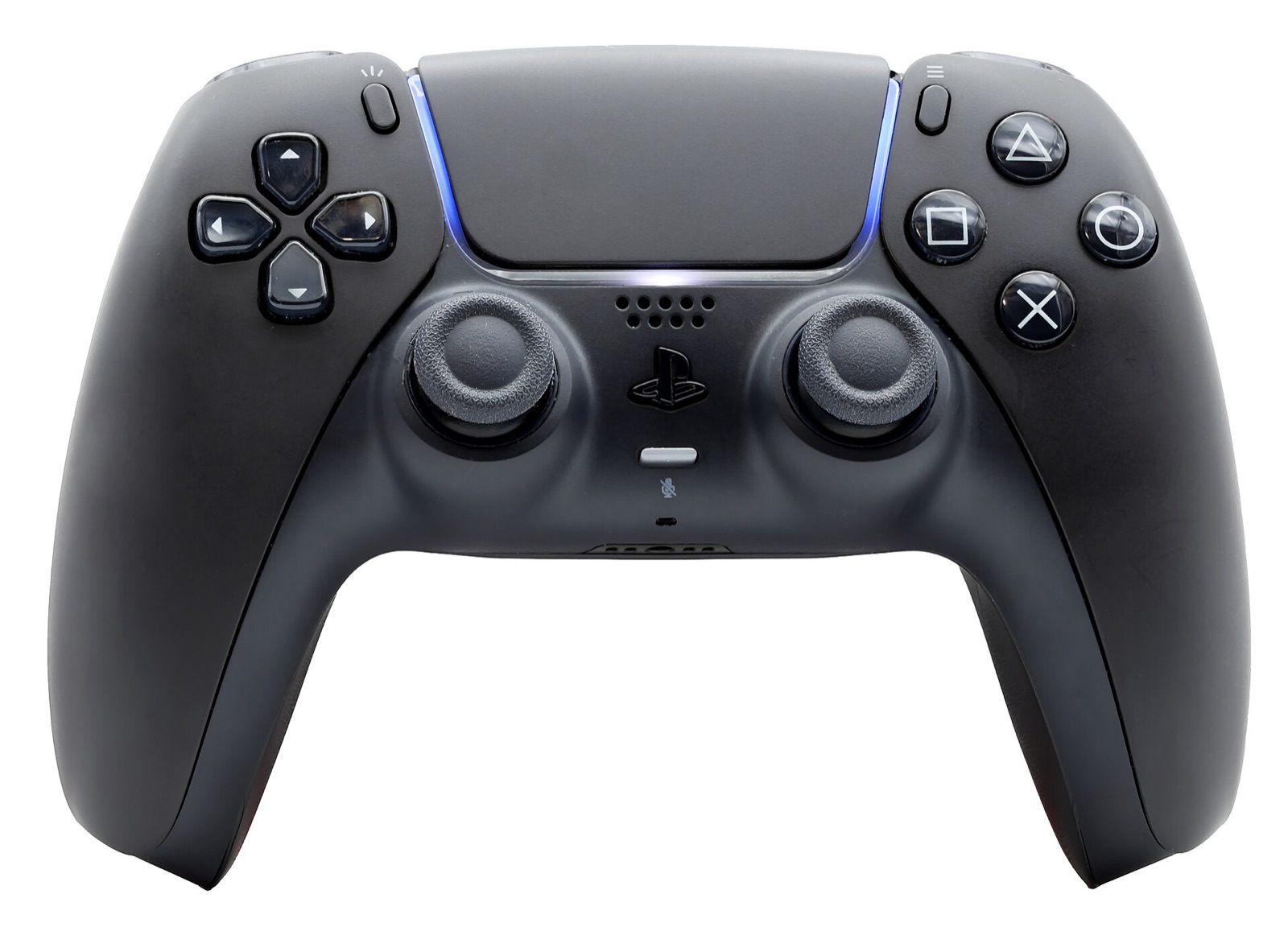
Taskbar Widget vs Suites
Compare resident memory overhead of a standalone wireless device battery monitor against heavy manufacturer apps.
| Software | Idle RAM | Services | Admin Needed | Taskbar Scope |
|---|---|---|---|---|
| Wireless Device Battery Monitor | ~2 MB | 0 | No | 45+ brands beside clock |
| Logitech G HUB | 320-680 MB | 3+ | Yes | Logitech only |
| Razer Synapse | 410-890 MB | 4+ | Yes | Razer only |
| Corsair iCUE | 520-1,150 MB | 4+ | Yes | Corsair only |
| SteelSeries GG | 380-760 MB | 3+ | Yes | SteelSeries only |
See full benchmarks on taskbar battery monitor without G HUB, Synapse, or iCUE.
Tested Wireless Hardware
Low-latency 2.4 GHz mice, base-station headsets, and controllers verified with native C++ taskbar battery polling.
Logitech G Superlight 2 Mouse
Supported via HID++ 2.0 feature discovery over Lightspeed USB receivers without running Logitech G HUB.
Razer BlackShark V2 Headset
Supported on 2020 and 2023 HyperSpeed dongles via native read-only Razer battery queries with Synapse closed.
SteelSeries Arctis Nova Headset
Hardware-tested on the 1038:225D USB base station with dual-battery readout and zero SteelSeries GG overhead.
8BitDo Ultimate 2 Controller
Hardware-tested in both X-input (2DC8:310B) and D-input (2DC8:6012, firmware 1.03+) modes with live charging flag.
Disclosure: As an Amazon Associate we earn from qualifying purchases made through hardware links on this page at no extra cost to you.
Common Taskbar Questions
Direct engineering answers from the C++ source and driver notes.
Does Wireless Device Battery Monitor need administrator rights or background services?
No. Wireless Device Battery Monitor is a ~350 KB plain C++ and Win32 user-space executable using roughly 2 MB of RAM. It installs into your user profile without administrator privileges, registers zero Windows system services, and bundles HeadsetControl 4.3.0 out of the box.
Can I close Logitech G HUB, Razer Synapse, Corsair iCUE, and SteelSeries GG?
Yes. Each native C++ driver in Wireless Device Battery Monitor queries the USB 2.4 GHz dongle, wired cable, or Bluetooth endpoint directly via read-only HID feature reports. Vendor suites can remain closed, uninstalled, or running alongside without conflict.
How does this wireless device battery monitor show low battery, charging, and sleep?
Percentages at or below 15% turn red, active charging adds a blue bolt icon beside the number, and sleeping wireless peripherals appear dimmed with their last known percentage cached for up to 30 minutes on Logitech receivers.
Why do Keychron keyboards or Samsung Galaxy Buds need a specific wireless mode?
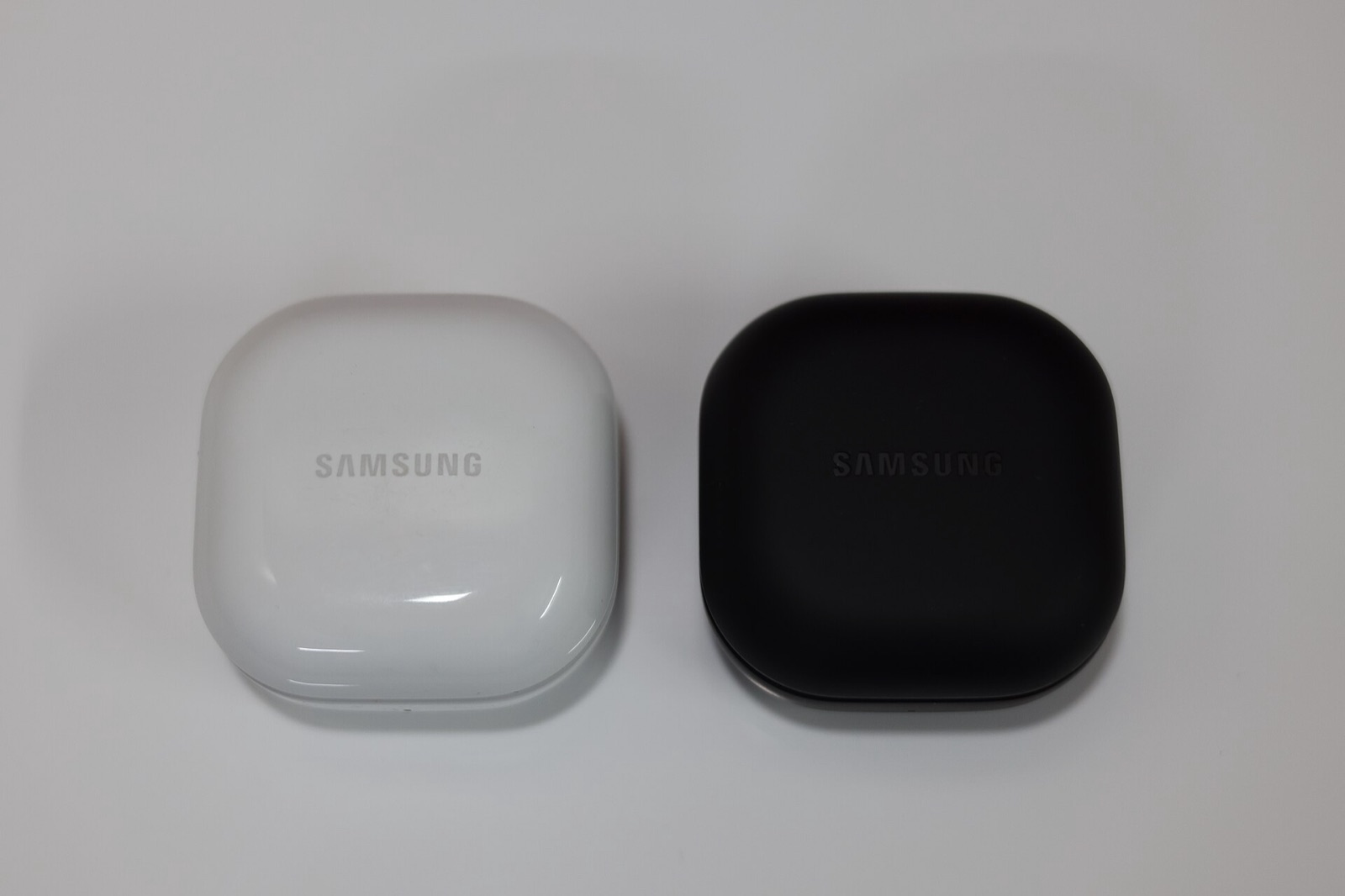
Keychron keyboard firmware only exposes battery data over Bluetooth rather than its 2.4 GHz receiver (Keychron wireless mice work on 2.4 GHz). Samsung Galaxy Buds push battery frames over Bluetooth RFCOMM SPP, which requires closing the desktop Galaxy Buds app.
How does Wireless Device Battery Monitor tell two wireless mice apart?
When two peripherals share the same device category, the taskbar widget adds a compact 1-to-3 letter caption derived from the hardware name (such as MX or V3) or a numeric suffix. A single mouse or headset displays no extra caption.
Is Wireless Device Battery Monitor open source and safe for unknown USB hardware?
Yes. Maintained by krisgfx9 under GPL-3.0-or-later at krisgfx9/Wireless-Device-Battery-Monitor, every driver matches explicit USB VID:PID pairs and sends read-only queries. Unknown USB devices are never written to, and drawing tablets are skipped automatically.